Important legal notice: This content and the frpfile tool are intended for lawful device owners and authorized technicians only. By using the tool or requesting our services you explicitly certify and warrant that you are the lawful owner of the device or are authorized in writing by the lawful owner. frpfile tool does not provide exploit source code or step-by-step instructions for unlawful circumvention. Misuse may result in legal consequences; frpfile tool will cooperate with law enforcement when required.
NOTE
This work only for MacBook/iMac should be in a locked state (i.e., password-protected).
INSTRUCT
1. Enter Recovery Mode:
– For MacBook T2: Boot the device in Recovery Mode by holding CMD + R.
– For MacBook M1, M2, M3: Hold the Power Button and choose Recovery Mode.
2. Execute Key Combination:
– Once the Mac in recovery mode hold all 5 keys: Control + Option + Command + Shift + Dot
– Wait for a few seconds until a red screen appears.
3. Dump Diagnostic File:
– A Finder window will pop up.
– Insert a USB drive and save the diagnostic file by choosing Save to USB.
4. Extract Information:
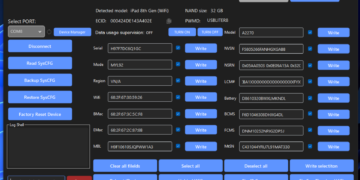
– Open tool > Choose File .tgz from USB and wait tool decrypt owner info.
VIDEO
DOWNLOAD
https://www.mediafire.com/folder/qvajd6q83gjsa/MacFinder