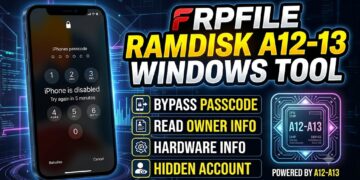
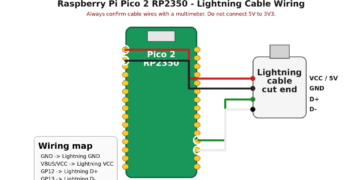
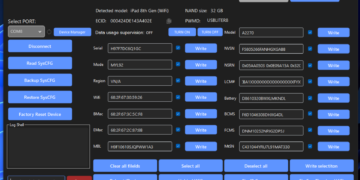
Important legal notice: This content and the frpfile tool are intended for lawful device owners and authorized technicians only. By using the tool or requesting our services you explicitly certify and warrant that you are the lawful owner of the device or are authorized in writing by the lawful owner. frpfile tool does not provide exploit source code or step-by-step instructions for unlawful circumvention. Misuse may result in legal consequences; frpfile tool will cooperate with law enforcement when required.
THIS SERVICE IS REMOVAL 100% FOR DEVICES OPEN MENU ALL IPHONE/IPAD ALL IOS SUPPORT.
NOTE: Need read Requirements before order
Requirements:
1. iCloud storage can load.
2. Game center can turn off and on.
PRICE DM ME WHATsAPP: +84948053789
HOW TO WORK?
Requirements:
✅iCloud storage Must be Load
✅Game center turn off turn on must be work (without ask password)
HOW TO WORK?
Note: Remove sim and turn on airplane mode
1. Copy and register UDID
2. Connect device to wifi and click on ℹ️ to Configure proxy
3. Select Manual & enter Server: ******.uk & Port: 8866 (dm resller for get URL) Save and Join to this network (Turn off WIFI & turn on WIFI for connect proxy
)
4. Open Safari and go to *****.uk:8866 (dm resller for get URL)
5. Click download Fiddler Root Certificate
6. Go to Setting > Downloaded Profie and install it
7. Go to General > About > Certificate trust settings & and Trust Fiddler root certificate
8. Go to iCloud
9. Turn off and turn on game center (1 time only) > Quickly Turn off WIFI and wait 1 mins for server processs!
10. Check Result at Telegram channel : https://t.me/openmenu2024
11. Check FMI OFF > Don’t connect internet > open 3utool > toolbox > erase device.